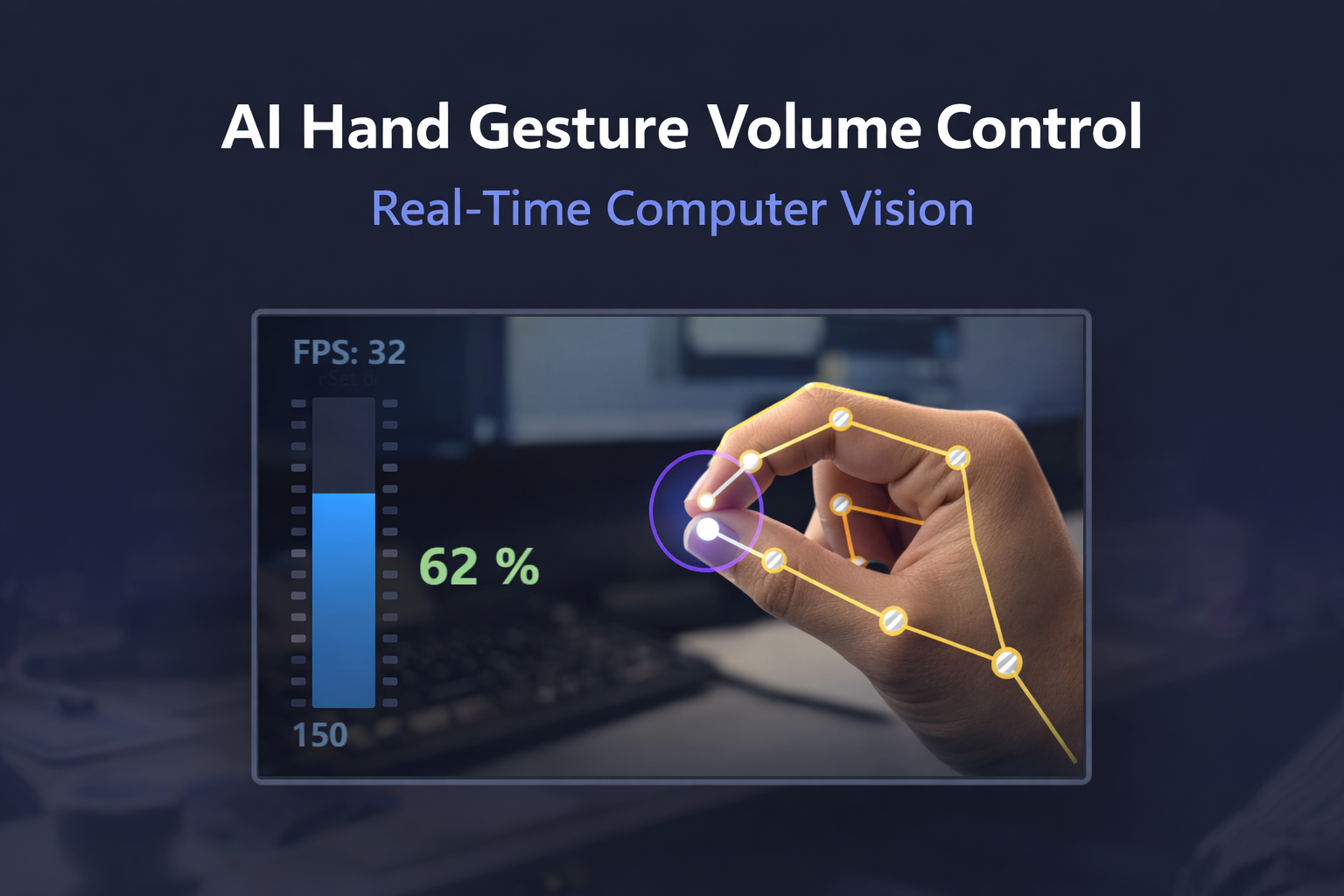
A real-time computer vision project where I control system volume using hand gestures instead of a keyboard or mouse.
Problem Statement#
Traditional volume control depends on physical input devices. In many real situations—presentations, distance interaction, and quick hands-free use—this is not convenient.
This project was built to create a touch-free volume control interface that can:
- Detect a hand in real time
- Track fingertip landmarks accurately
- Convert finger distance into volume level
- Show immediate visual feedback to the user
Solution Approach#
The application captures webcam frames and uses MediaPipe Hands to detect landmarks. The Euclidean distance between the thumb tip and index tip is continuously measured and mapped to a valid volume range.
To make interaction practical and stable, I added:
- Smoothing to reduce jitter
- Graceful camera recovery if frame capture fails
- Fallback visual-only mode when system-audio APIs are unavailable
- FPS display for runtime monitoring
Technical Flow#
Webcam → Frame Read → Hand Detection → Landmark Extraction → Thumb-Index Distance → Interpolation → Audio Set / Visual Fallback → UI Render
Tech Stack#
- Python for core implementation
- OpenCV for camera stream, drawing, and UI overlays
- MediaPipe for robust hand landmark detection
- NumPy for interpolation and mapping calculations
- Pycaw for Windows master volume control
- Math / stream logic for real-time distance and loop control
Core Features#
1) Hand Tracking Module#
- Reusable
handDetectorclass - Landmark list extraction (
findPosition) - Bounding-box detection
- Finger state detection (
fingersUp)
2) Gesture-to-Volume Mapping#
- Thumb/index Euclidean distance calculation
- Mapping from 30px–250px to 0–100% volume
- Smooth stepped updates to avoid rapid fluctuations
- Visual marker when fingers are close (gesture lock feel)
3) System Audio Integration#
- Direct system volume set using Pycaw
- Compatibility fallback to visual-only mode if audio API fails
- Runtime exception handling for safer execution
4) Performance & Stability#
- FPS counter on-screen
- Camera resolution control for steady processing
- Reconnect attempts if camera stream drops
- Clean exit with resource release
Runtime Preview#
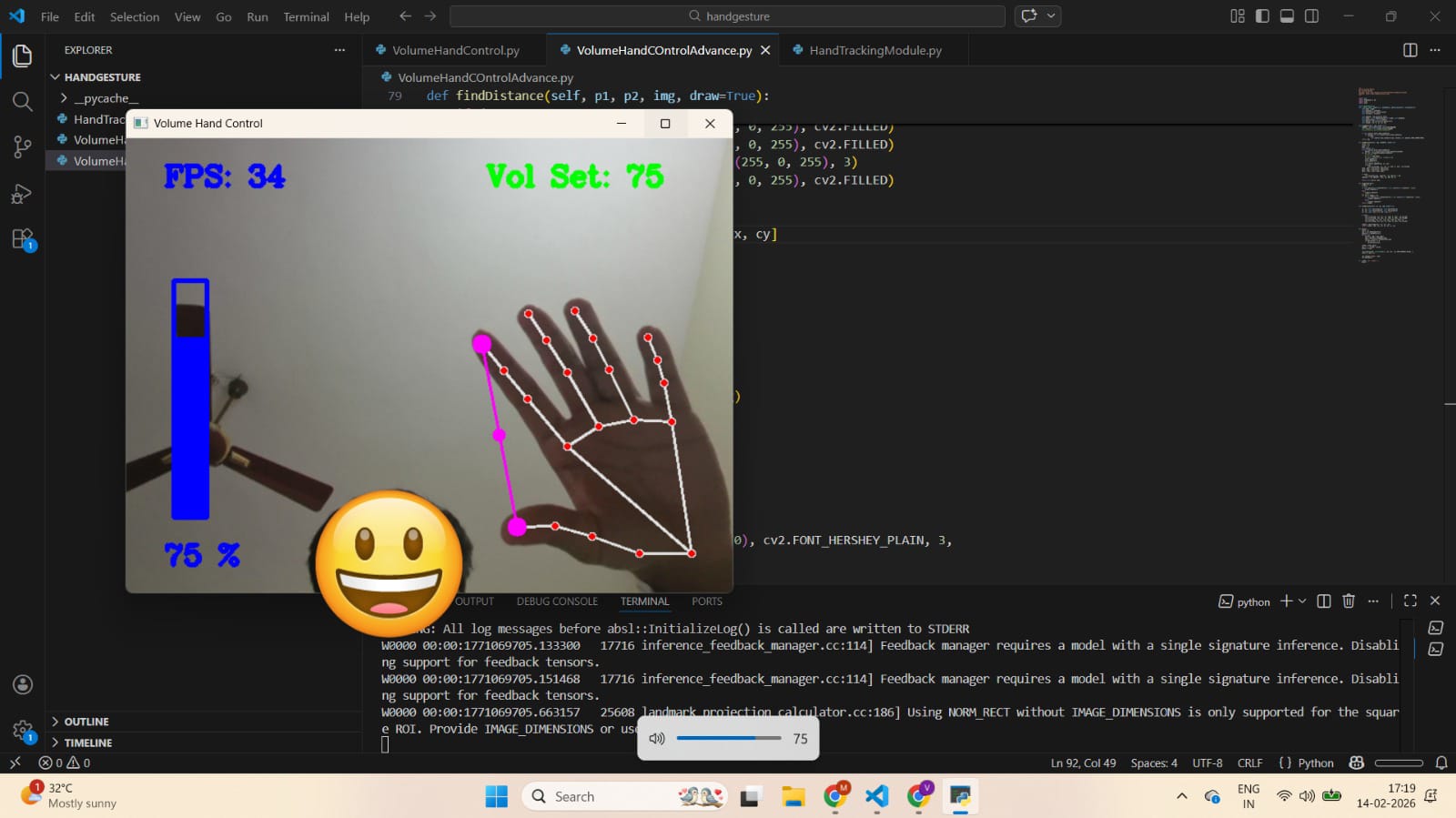
Below is a sample runtime screen showing landmark detection, volume bar, and live volume value.
Key Logic Snapshot#
- Finger distance is measured each frame.
np.interp()maps physical distance to both:- system volume level
- UI bar position and percent
- Smoothness factor rounds values for stable output.
- If audio control is unavailable, the app continues in feedback mode instead of crashing.
Challenges I Solved#
- Webcam instability during continuous streaming
- Short detection drops in fast finger movement
- Noisy volume changes due to tiny landmark shifts
- Audio-device/API availability differences across systems
Outcome#
- Real-time, low-latency control experience
- Stable detection under normal lighting
- Smooth and intuitive volume transition
- Working prototype demonstrating practical HCI with AI vision
What I Learned#
- Practical landmark-based interaction design
- Real-time computer vision optimization basics
- Robust handling of live camera and device edge cases
- Mapping human gestures to system-level actions
Future Enhancements#
- Gesture controls for play/pause and track change
- Brightness control using additional finger gestures
- Multi-hand support for expanded commands
- Desktop packaging for one-click use
- Browser version using TensorFlow.js/WebAssembly
Project Files#
HandTrackingModule.pyVolumeHandControl.pyVolumeHandControlAdvance.py
Conclusion#
This project demonstrates a practical AI-powered human-computer interaction system using real-time hand tracking. It combines computer vision, UI feedback, and system integration into a useful touchless control experience.